
Release v1.1
New Features
[New Feature] Clean Existing PowerPoint Presentations:
Easily clean all the images previously inserted using the tool by selecting the presentation and clicking the new Clean PowerPoint File button.

[New Feature] Dedicated Settings Module:
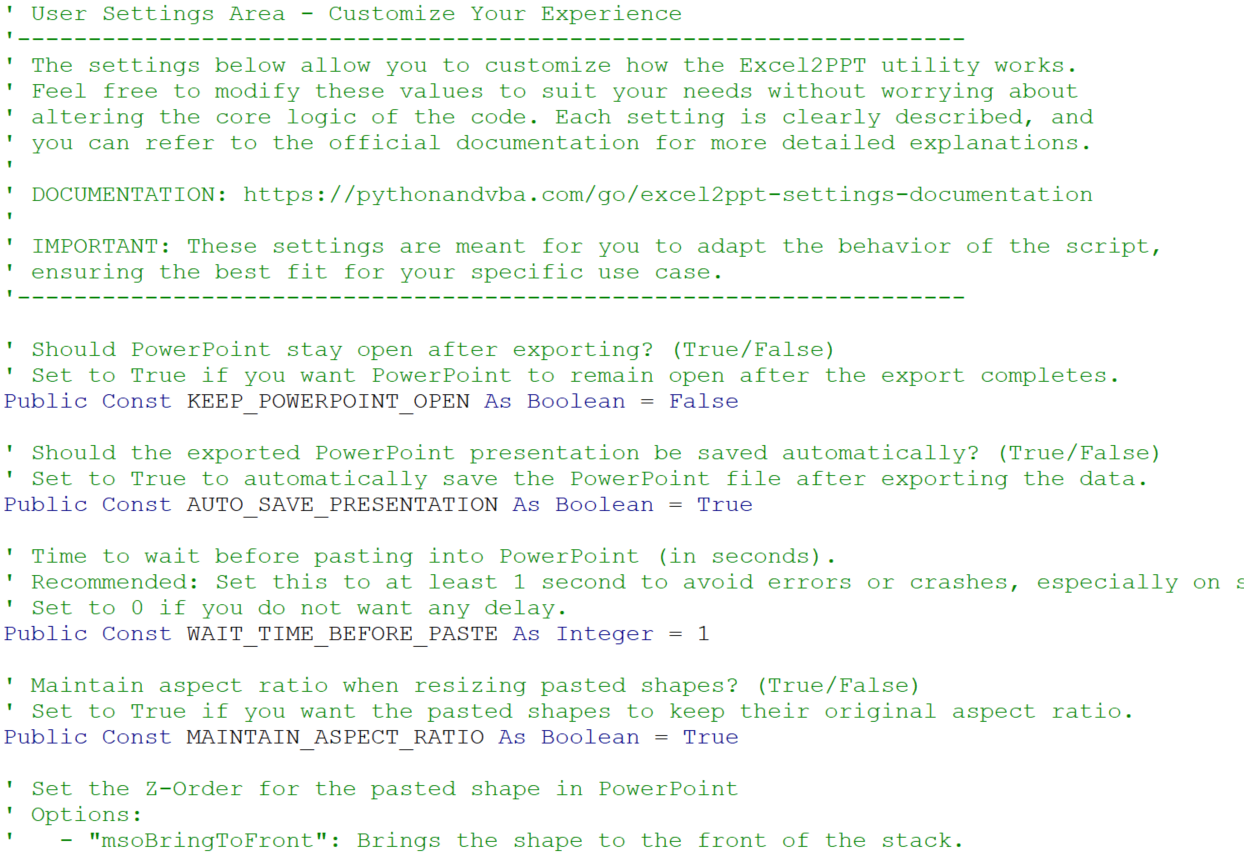
Introduced a separate settings module (SETTINGS) for easier customization. You can now change parameters like:
- Whether PowerPoint should remain open after exporting
- Automatic saving of PowerPoint files.
- And more! For a detailed explanation, refer to the Settings Documentation.
Bug Fixes
[Bug Fix] OneDrive Path Issues:
Resolved issues with OneDrive paths causing errors. When saving files in OneDrive-backed locations, such as the desktop, the tool now handles these paths smoothly.
Documentation Now Available
A new documentation is now available to help you understand and use all the features of Excel2PPT effectively. Check it out for in-depth guides and helpful tips. LINK TO THE DOCUMENTATION